What is an SMTP proxy? Why port 587 gets blocked
An SMTP proxy is a proxy server that carries your mail app's connection to your email provider, so the provider's mail server sees the proxy's internet address instead of yours. You still sign in to your own account, and your provider still delivers the mail. The proxy only changes where the connection comes from.
The catch is the mail ports. Most proxy networks block ports 25, 465 and 587, so a proxy that works fine for browsing often cannot send mail at all. This guide covers how an SMTP proxy works, why people use one, and what to check before you buy. If you only need an SMTP proxy with ports 25, 465 and 587 open, the X Proxy has them open on every plan.
How an SMTP proxy works
SMTP, the Simple Mail Transfer Protocol, is the language mail software speaks when it hands a message to a mail server. A normal send has three steps:
- Your app connects to your provider's mail server, usually on port 587.
- It signs in with your account details.
- It hands over the message, and your provider delivers it.
A proxy changes only the first step. Your app opens the connection through the proxy, and from then on the conversation is the same as without one. The proxy carries the connection without taking part in it. When the connection is encrypted, as it is on port 587 with STARTTLS or on port 465, the proxy passes the encrypted traffic along and cannot read your password or your message.
Two kinds of proxy can carry mail:
- SOCKS5 proxies pass any kind of connection, mail included.
- HTTPS proxies can carry mail too, by opening a tunnel to the mail server, as long as the provider allows tunnels to the mail ports.
Why people send mail through a proxy
- Keeping accounts apart. If you send from several accounts, a proxy stops all of their traffic coming from one home or office connection.
- Spreading the sending. A rotating proxy changes the address on a schedule, or for every connection, so no single address carries all of your volume.
- Sending from the right place. Residential proxy networks cover many countries, so the connection can come from the region your accounts and your readers are in.
A proxy does not make unwanted mail welcome. Providers judge mail on much more than the address it came from: the account's history, whether people open and reply, and whether they mark it as spam. A proxy is for sending mail that people asked for, and the X Proxy is for lawful, permission-based sending only.
The catch: most proxies block port 587
This is the problem most people hit first. They buy a residential proxy, point their mail app at it, and nothing connects. The app times out, or the connection is refused.
Most proxy networks block the three mail ports, 25, 465 and 587, outright. It is self-protection. Their addresses are shared by many customers, and if a few of them send spam, those addresses end up on blocklists and become useless for everyone. Blocking the mail ports is the simplest way to keep the pool clean, so most networks do it by default, and many will not open the ports at any price.
So before you buy anything, check one thing: are ports 25, 465 and 587 open? If the provider's documentation does not say, assume they are blocked, and ask.
Which port your app actually needs
You rarely need all three:
- 587 is the standard port for an app that signs in to an account and submits mail. Start here.
- 465 does the same job, encrypted from the first byte. Use it when your provider recommends it.
- 25 is for mail servers passing mail to each other. You need it only if you run your own mail server.
There is a full comparison in Port 587 vs 465 vs 25.
What to look for in an SMTP proxy
- Open mail ports. Port 587 at the very least, and 465 as well if your provider prefers it.
- Residential addresses. Addresses from real home connections, sourced with the owners' consent. Residential vs datacenter proxies for email compares the two kinds.
- Rotation you control. The same address for a stretch of time, or a new one for every connection, depending on how you send. Rotating proxies for email explains which to choose.
- Enough traffic. Mail with attachments adds up, so check the monthly allowance.
- Simple setup. One endpoint, with sign-in by address or by username and password, works with nearly any mail app. How to set up and test a SOCKS5 proxy walks through it.
How the X Proxy handles it
The X Proxy is a rotating residential proxy for sending email, built for exactly this problem:
- Ports 25, 465 and 587 are open on every plan.
- Real residential addresses, sourced with consent, across 195+ countries, over HTTPS or SOCKS5. You choose the country and region.
- Two rotation modes: a fresh address every 10 minutes, or a new one on every request. You choose one when you buy.
- 50 GB of traffic a month, and it works with any tool, not just X Mailer.
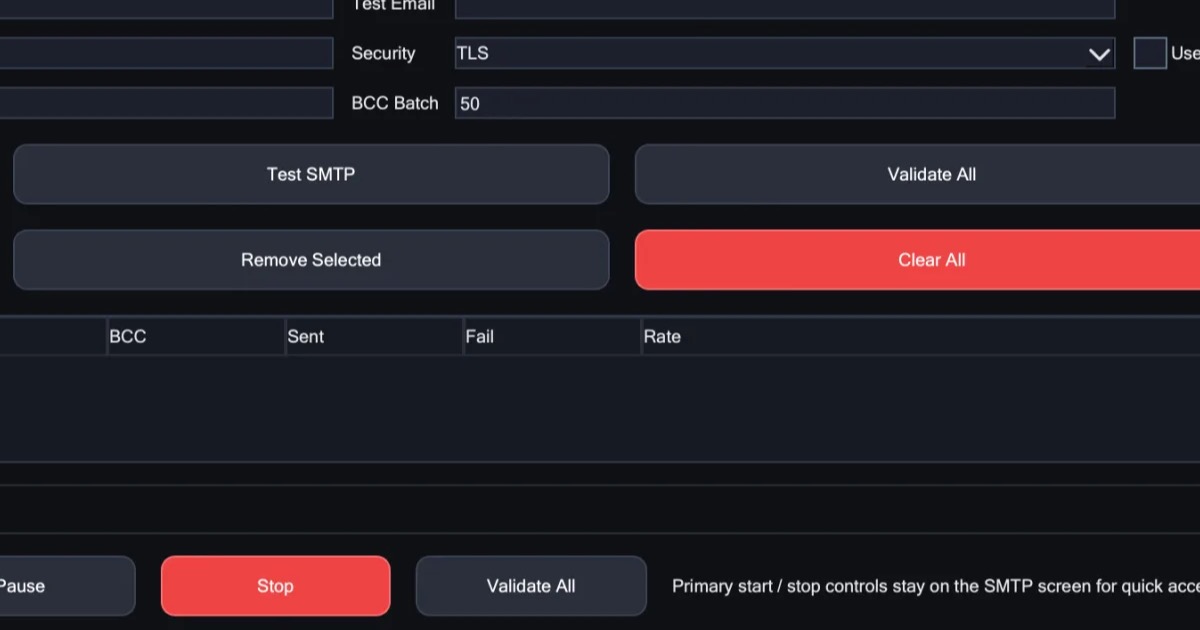
In X Mailer, you enter the endpoint once, in the SMTP & Proxy tab. If you want the app and the proxy together, there is a bundle: the app with a one-year licence, plus your first month of proxy. See the plans and prices.
Common questions about SMTP proxies
Is an SMTP proxy the same as a SOCKS5 proxy?
Often, yes. When proxy sellers say "SMTP proxy", they usually mean a SOCKS5 or HTTPS proxy with the mail ports left open. Mail server admins also use "SMTP proxy" for a filter that reads mail and passes it on to another server, which is a different tool.
Is an SMTP proxy the same as an SMTP relay?
No. A relay, sometimes called a smarthost, accepts your message and delivers it for you. A proxy only carries the connection: you still sign in to your own provider, and your provider delivers the mail.
Does Gmail work through a proxy?
Yes. Gmail's sending server, smtp.gmail.com on port 587 or 465, works through a proxy like any other connection, as long as the proxy keeps that port open. Google does watch where sign-ins come from, so a sign-in from an unfamiliar country can trigger a security check. Keep each account on a steady connection in its usual region, and use an app password once two-step verification is on.
How do I check that port 587 is open?
Test it without the proxy first, then with it. Port 587 vs 465 vs 25 has the three steps, and how to fix a blocked port 587 covers what to do if it fails.
In short
- An SMTP proxy carries your mail connection through another address. You still sign in to your own provider, and it still delivers your mail.
- Most proxy networks block ports 25, 465 and 587 to keep their shared addresses off blocklists.
- Check that the mail ports are open before you buy. For most apps, 587 is the one that matters.