Port 587 vs 465 vs 25: which SMTP port to use
Every mail app asks for a port, and three numbers keep coming up: 25, 465 and 587. All three carry SMTP, the protocol that sends email, but they exist for different jobs. When you send through a proxy, picking the wrong one is one of the most common reasons nothing connects.
The short answer: use 587. Use 465 if your provider recommends it. Leave 25 alone unless you run your own mail server. If you are new to sending through a proxy, start with What is an SMTP proxy?
Port 587: the submission port
Port 587 is the message submission port, the one set aside for an app or mail client that signs in to its own provider and hands over mail to be sent.
- The connection starts unencrypted and switches to encryption with a command called STARTTLS, before you sign in.
- Signing in is required, which is why providers are happy to leave it open.
- Nearly every provider supports it. Gmail, for example, accepts it at smtp.gmail.com.
If you are not sure which port to use, use this one.
Port 465: submission, encrypted from the start
Port 465 does the same job as 587: your app signs in and submits mail. The difference is that the connection is encrypted from the very first byte, with no switching step.
It has an odd history. It was registered for encrypted mail in the 1990s, withdrawn soon after, and then brought back for exactly this job in 2018 by RFC 8314, which recommends encryption from the start over STARTTLS.
- Gmail accepts 465 as well as 587.
- Some providers accept only one of the two, so check your provider's settings page.
Port 25: server to server
Port 25 is the original SMTP port. Today its main job is mail servers passing mail to each other: when one provider delivers a message to another, the two servers talk on port 25.
- It is not meant for an app signing in to submit mail. Some providers still accept that on 25, but it is not what the port is for.
- Most home internet providers and cloud hosts block outgoing connections on port 25, because infected computers once used it to send spam directly.
- You need it only if you run your own mail server and deliver straight to other people's servers.
Side by side
| 587 | 465 | 25 | |
|---|---|---|---|
| Job | An app submits mail to its own provider | The same as 587 | Mail servers pass mail to each other |
| Encryption | Switches on with STARTTLS | From the first byte | Optional |
| Sign-in | Required | Required | Not used between servers |
| Blocked by home internet providers | Rarely | Rarely | Often |
| Blocked by most proxy networks | Usually | Usually | Usually |
How to check that port 587 is open
- Test your own connection. On Windows, open PowerShell and run
Test-NetConnection smtp.gmail.com -Port 587, with your provider's server in place of Gmail's.TcpTestSucceeded : Truemeans your network lets the port through. - If it fails, try 465. Run the same command with
-Port 465. A firewall, an antivirus mail shield or your network can block one port and not the other. If 465 works, use it with SSL/TLS. - Test through the proxy. Switch the proxy on and send a test message to yourself. If the port works without the proxy and times out with it, the proxy is blocking the port.
If the port is still blocked, see what to do when port 587 is blocked.
How a proxy changes the answer
Without a proxy, the port only has to match what your provider expects. With one, it also has to be a port the proxy will carry, and most proxy networks block all three mail ports to keep their shared addresses off spam blocklists. Then it does not matter which port you pick: the app times out, or the connection is refused. What is an SMTP proxy? explains why networks do this.
When a send through a proxy will not connect, check these in order:
- The port and its encryption setting. 587 goes with STARTTLS, and 465 goes with SSL/TLS. Mixing them up is the most common mistake of all.
- Whether the proxy allows that port. If the provider's documentation does not say, assume it does not.
- The same send without the proxy. If it works on your normal connection but not through the proxy, the proxy is blocking the port. The check above shows how.
- The sign-in. Many providers, Gmail included, need an app password rather than your normal password once two-step verification is on.
Ports in X Mailer and the X Proxy
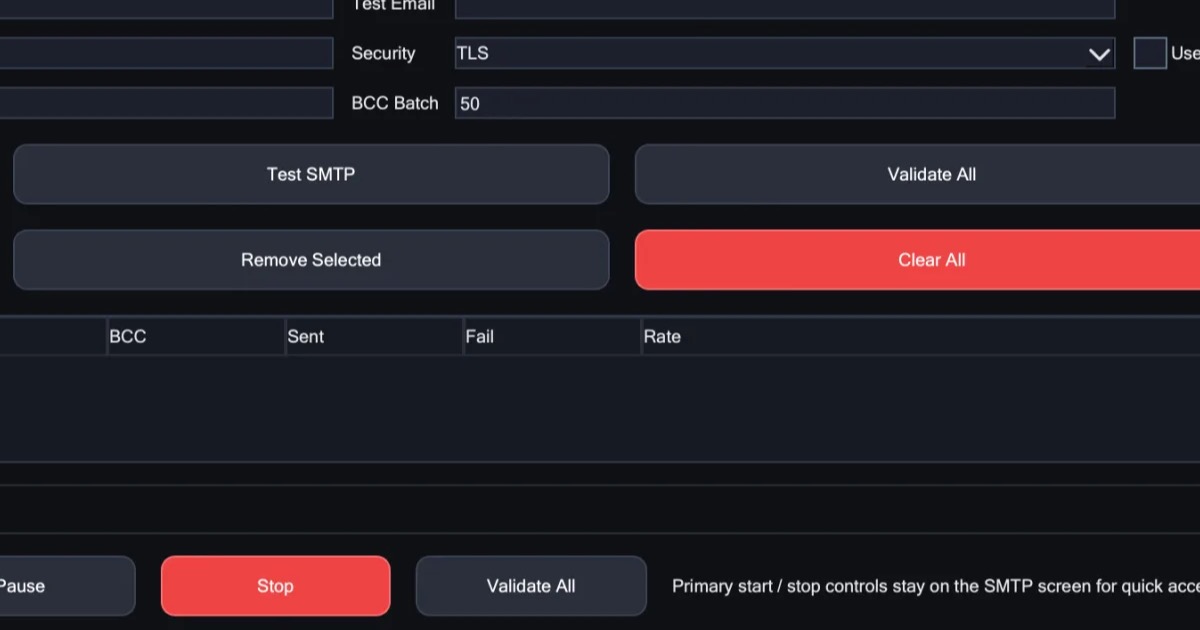
In X Mailer, each account you add has its own server, port and security setting, and you can check that every account works before you send anything.
The X Proxy is a rotating proxy with ports 25, 465 and 587 open on every plan, so whichever port your provider wants, the connection goes through. You enter its endpoint once, in X Mailer's SMTP & Proxy tab, and it works with any other tool too.
In short
- 587 is the default for an app sending through its own account, with STARTTLS.
- 465 does the same job, encrypted from the start. Use it when your provider prefers it.
- 25 is for servers talking to servers, and it is often blocked.
- Through a proxy, check that the port is open before you check anything else.