Rotating proxies for email: sticky or per-send?
A rotating proxy for email keeps changing the internet address your mail connections come from. Sticky rotation keeps one address for a stretch of time, which suits repeated sign-ins to the same account; per-request rotation gives every new connection a new address, which suits a campaign shared across many accounts.
Which one you want depends on how many accounts you send from and how much each one sends. If proxies for email are new to you, start with what an SMTP proxy is and why most proxies block port 587.
What rotation means
When your app connects through a proxy, your provider's mail server sees the proxy's address instead of yours. Rotation is how often that address changes. Most rotating residential proxies offer two kinds:
- Sticky. One address for a set stretch of time, then a new one. Proxy sellers often call this a sticky session.
- Per request. A new address for every new connection. Sellers often call this simply "rotating", as in "sticky vs rotating proxies". For mail, a request is a connection: your app connects, signs in and hands over mail.
An address never changes in the middle of a connection. Rotation only decides which address the next connection gets. So with per-request rotation, an app that opens a new connection for each message sends every message from a different address. That is why "per-send" and "per-request" often mean the same thing for email.
When a steady address is better
Providers watch where sign-ins come from. An account that signs in from a new address every few seconds, perhaps in a different city or country each time, looks like an account in the wrong hands, and the provider may stop it with a security check.
Sticky rotation changes the address far less often. For as long as the stretch lasts, every sign-in comes from the same place. That is still more movement than a home connection, which often keeps one address for days or weeks, but far less than a new address for every sign-in. Sticky rotation suits you when:
- you send from a few accounts, and each one sends a lot;
- your app signs in to the same account again and again;
- you want each account to sign in from one steady connection.
When a new address on every request helps
Per-request rotation suits the opposite case: many accounts, each sending a little.
- Volume is spread across addresses. No single address carries much of your sending.
- Accounts stay apart. Their traffic does not all come from one connection.
The cost is that every sign-in comes from a new address. The more messages one account sends, the more that matters, so per-request rotation fits accounts that each send only a few messages. If your accounts each send a lot, sticky rotation is the better choice.
Sticky vs per-request rotation: which to choose
| Sticky | Per request | |
|---|---|---|
| The address changes | After a set stretch of time | With every new connection |
| One account's sign-ins come from | One address, for the stretch | A new address each time |
| Best for | A few accounts that each send a lot | Many accounts that each send a little |
If you are not sure, start with sticky rotation. It is the closer match to how people normally use their accounts. Decide before you buy, because the X Proxy's mode can't be changed afterwards.
Rotating addresses and rotating accounts
Address rotation and account rotation are different things, and they work well together.
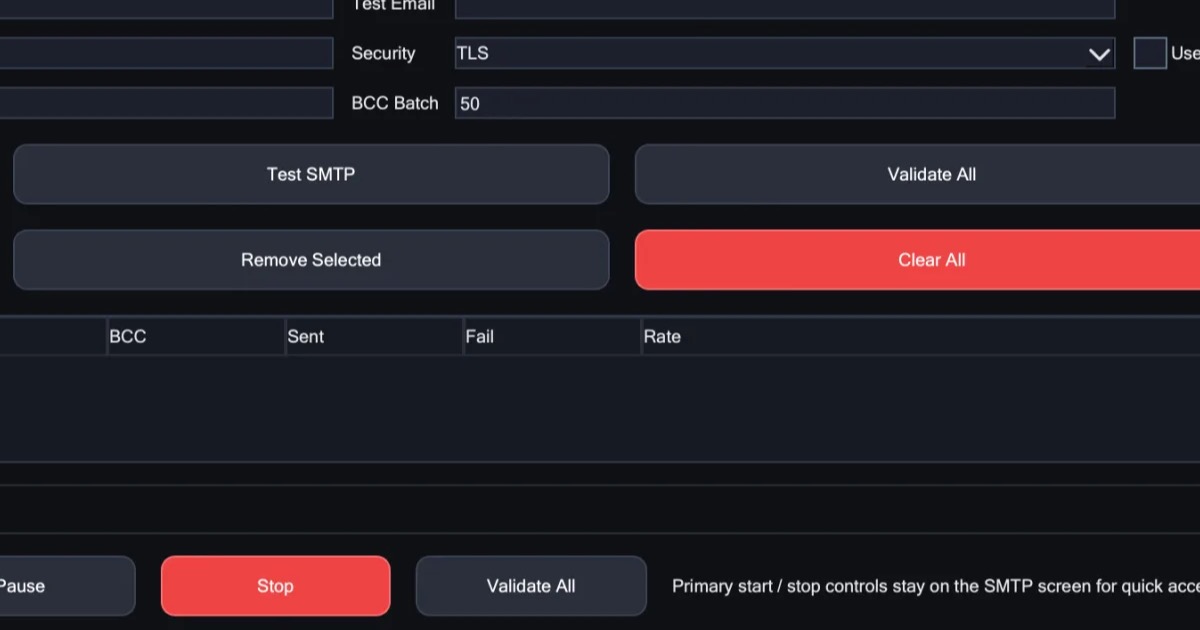
- Account rotation decides which of your email accounts sends each message. X Mailer takes turns between your accounts, and you decide how many messages each account sends before the next one takes over. SMTP rotation covers it in detail.
- Address rotation decides which internet address each connection comes from. That is the proxy's job.
Neither one changes what your provider allows. Every provider limits how much one account can send, and a new address does not raise that limit. Give each account a share that stays within it, and let the proxy spread the connections. Some providers' terms forbid using several accounts to get around a limit (Gmail's program policies do), so read them for every account you use.
Rotation also does not make unwanted mail welcome. Providers judge mail by the sending account's history and by what people do with it, such as opening it, replying or marking it as spam. Use rotation to spread the sending of mail people asked for, never to reach people who did not.
How the X Proxy rotates
The X Proxy is a rotating proxy for sending email. Its addresses are real residential ones, sourced with consent, across 195+ countries, you choose the country and region they come from, and it offers both kinds of rotation:
- Every 10 minutes. One address for 10 minutes at a time, then a fresh one.
- On every request. A new address for every request.
You choose the mode when you buy, and it can't be changed afterwards, so pick the one that suits your sending. Each mode has its own price. Ports 25, 465 and 587 are open on every plan, while most residential proxies block them. You enter one endpoint once, in X Mailer's SMTP & Proxy tab, or in any other tool you use. It is for lawful, permission-based sending only.
See the plans and prices for each mode.
In short
- Sticky rotation keeps one address for a stretch of time. Per-request rotation gives every new connection a new address.
- Sticky suits a few accounts that each send a lot. Per-request suits many accounts that each send a little.
- A new address does not raise any account's limit. If you also rotate accounts, keep each one within its provider's limits and terms.
- The X Proxy offers both modes. You choose one when you buy, and it can't be switched afterwards.