What is X Mailer, and who is it for?
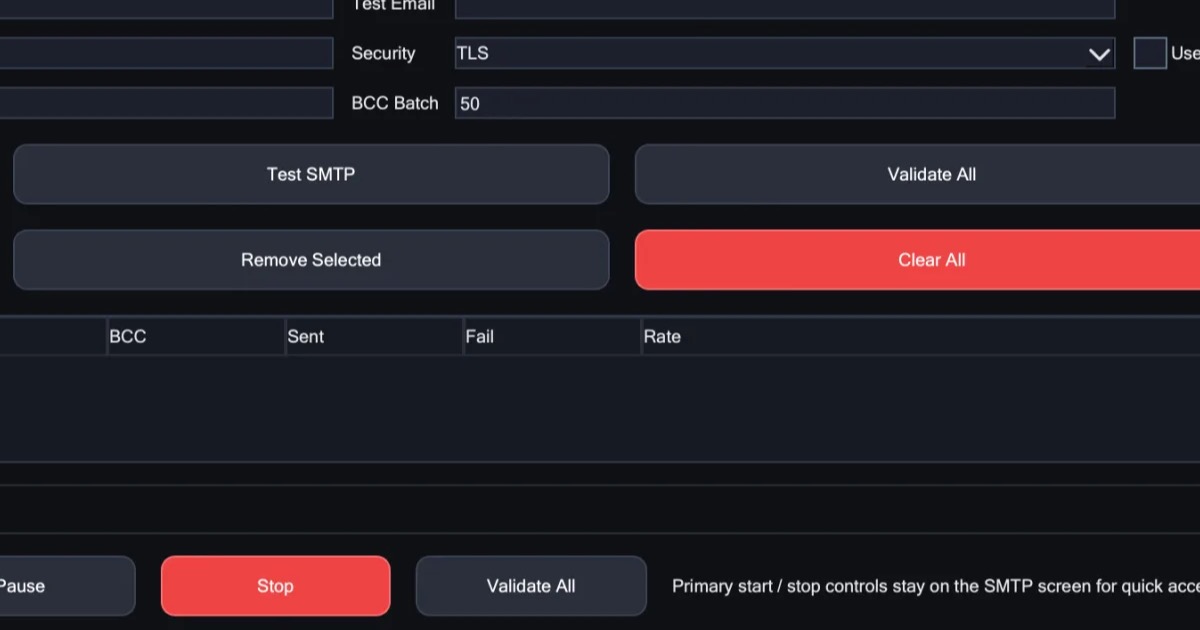
X Mailer is a Windows app for sending email campaigns through email accounts you already own. You add your accounts, upload your list, write your message once and press start. The mail goes out from your accounts, from your computer, and never through a shared sending service.
This guide covers what it does, how a send works from start to finish, where the rotating IP comes in, and what you pay for. For the full tour, see how X Mailer works.
Who it is for
X Mailer is for people who already send from their own mailboxes and have outgrown doing it by hand: a business writing to its customers, a team announcing something to a list that signed up for it, anyone who wants to keep the accounts they have instead of moving to a sending service.
You need your own email accounts, whether you own them or rent them. X Mailer does not send mail for you. It is the control panel for accounts that are already yours.
How a send works
1. Add your email accounts
Add as many accounts as you like, and check that each one works. X Mailer takes turns between them, and you decide how many messages each account sends before the next one takes over, so no single account does all the work. How SMTP rotation works has more on sharing a campaign across accounts.
2. Upload your list and write once
Drop in a spreadsheet and point at the columns that matter. Bad and repeated addresses come out on their own. Write in plain text or with formatting, use each person's name and details in the message, attach files, and preview exactly what one person will receive. Send a test to yourself first.
3. Press start and watch it go
See every email as it is delivered. Pause any time, or set the run to start later. If your computer restarts, pick the run back up where it stopped.
Where the rotating IP comes in
X Mailer works over your normal internet connection, and you do not need anything else to use it. Some senders want each message, or each stretch of sending, to come from a different internet address. That is what the X Proxy, a rotating residential proxy for email, is for:
- You enter one endpoint once, in the SMTP & Proxy tab.
- You choose how it rotates when you buy: a fresh IP every 10 minutes, or a new one on every request. Sticky or per-send rotation explains which suits your sending.
- Ports 25, 465 and 587 are open on every plan. Most residential proxies block them, which What is an SMTP proxy? explains.
- The IPs are real residential addresses, sourced with consent, across 195+ countries, and you choose the country and region.
The proxy is optional, and it works with any tool, not just X Mailer. It is for lawful, permission-based sending only.
What X Mailer is not
- Not a sending service. It does not send mail for you or lend you accounts.
- Not for Mac. It runs on Windows 10 and 11.
- Not the X-Mailer header. X-Mailer is also the name of a line that many email programs add to each message to say which program sent it. X Mailer, the app, is a different thing, though its advanced settings can vary that line on every send.
Your data stays on your computer
- Your lists and logs stay on your computer, not on our servers.
- X Mailer never routes mail through shared infrastructure.
- One activation, which you can move to a new computer yourself.
Before your first real send
- Send only to people who asked to hear from you. The X Proxy is for lawful, permission-based sending only, and permission is also what keeps people reading.
- Send a test to yourself. Check the formatting, each person's details and the attachments exactly as one person will see them.
- Start small. Watch each email go out as it is delivered, and pause if anything looks wrong.
- Share the work out. Give each account its own number of messages before the next one takes over, so no single account carries the whole list.
What you pay for
- The app is $75 for a licence that lasts one year, then $75 a year to renew. Nothing renews by itself: we email you a link to renew, and if you don't, the app stops working when the licence ends.
- The proxy is paid a month at a time, and it simply stops if you do not renew.
- A bundle puts the two together: the app for a year, plus your first month of proxy.
See the current prices. Once your payment clears, we email you the installer link. If you have a question before you buy, write to us and a person will answer.
In short
- X Mailer sends your campaigns through email accounts you already own, from your own Windows computer.
- It takes turns between your accounts, cleans your list, and picks up where it left off.
- The X Proxy is optional: a rotating IP with the mail ports open, entered once in the app.